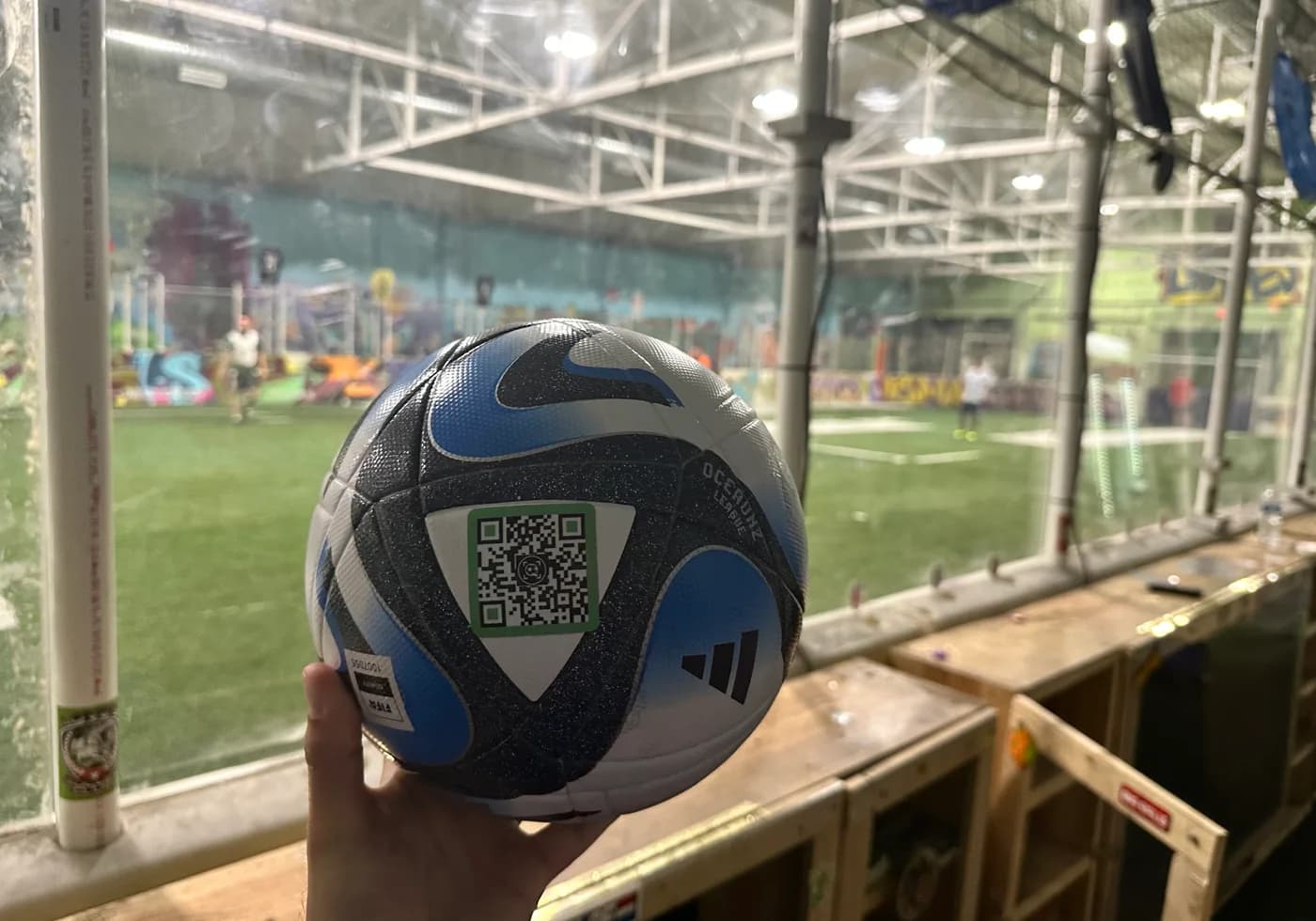
Include your account email, tag slug, or team name so support can find the right record fast.
Support
Contact SoccQR
Questions about tags, player setup, Coach Mode, or your account? Reach out and include as much context as you can so support can help quickly.
If you want Coach Mode, mention your team, club, or role in your message so we can set up the right account.
What to include in your message
Short, specific requests get resolved faster. A little context goes a long way.
Include the tag slug, what you expected to see, and whether you were viewing the public page or the owner view.
Include the date of the session, the type of activity you logged, and the screen where the problem happened.
Include the team name, player email if relevant, and whether the issue is about invites, assignments, or roster access.
Direct support channels
These are the main ways to reach SoccQR.
Use this for tag questions, account help, coach access requests, and product feedback.
Follow and message SoccQR on social channels for updates, new features, and lighter-touch outreach.
Helpful pages before you email
A few pages answer the most common questions without waiting on support.
Use the quick-start setup guide for the basic player and tag flow.
Open How ToUse the full product walkthrough if you want to understand how every major screen fits together.
Open guideUse the product guide if you want to understand the coach workflow before you reach out.
Coach section