Loading your page…

Lost ball, clear way home
A SoccQR tag turns one phone scan into a return page with the ball name, your note, and the contact options you choose.
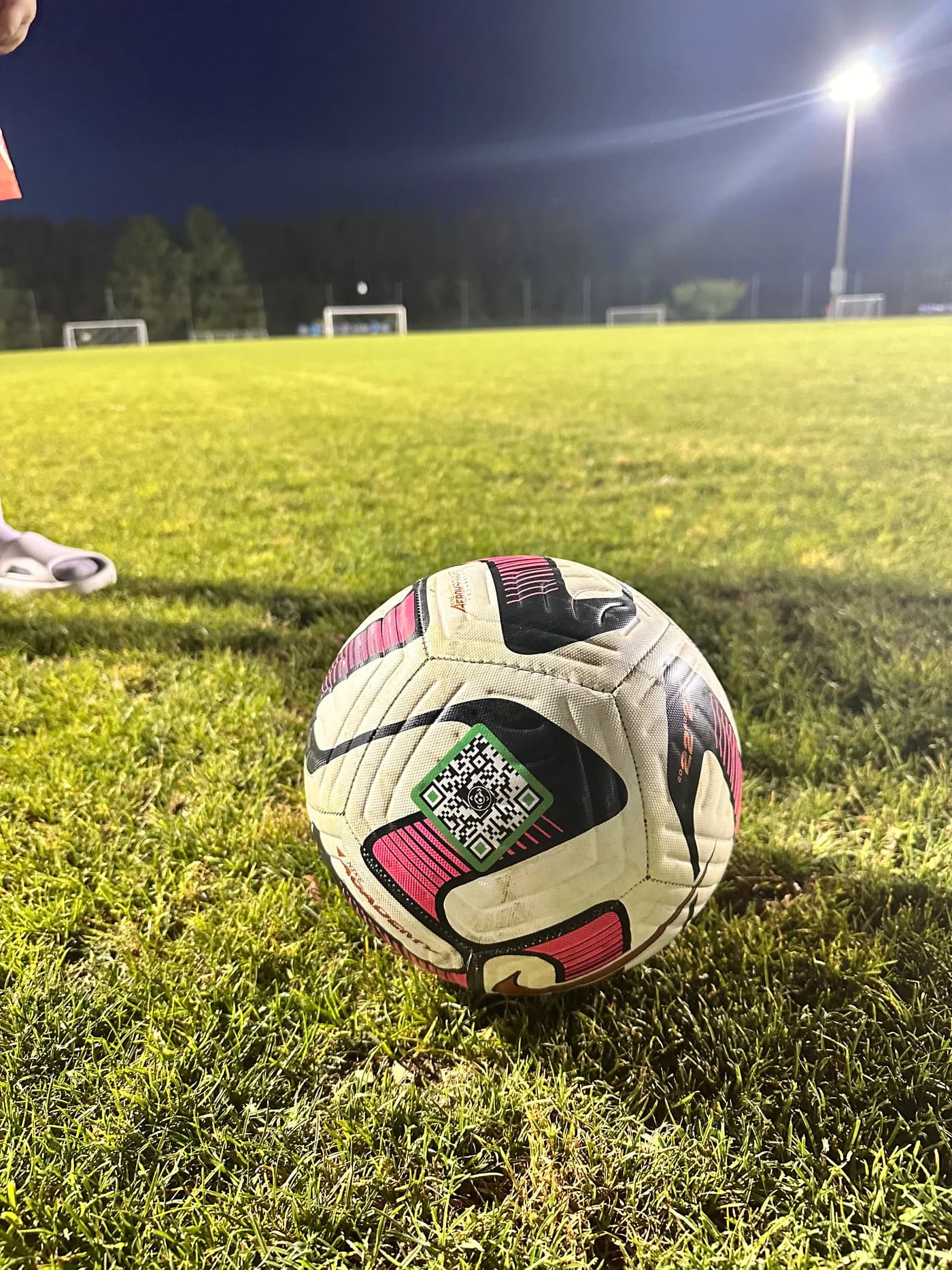
Most missing balls are not stolen. They get mixed into the wrong pile, bench area, or gear bag—and the person who finds one has no way to reach its owner.
The useful part of a lost-and-found label is not the name. It is the next step.
The order matters: apply the tag, choose what the finder sees, then let any phone camera do the rest.
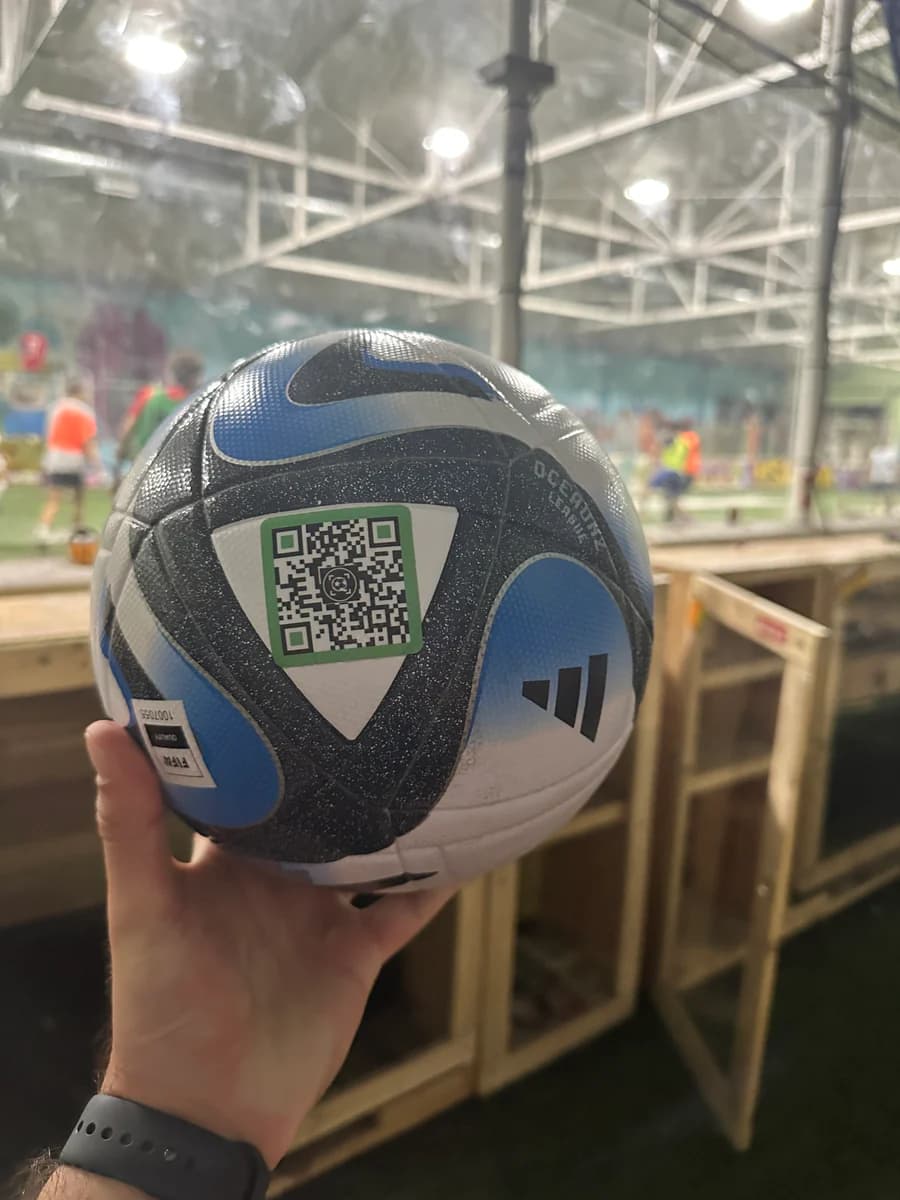
Choose a clean, dry ball panel, press the tag firmly, and allow 24 hours before hard play.
Add the ball name, a photo, a short note, and only the contact options you want a finder to see.
A standard phone camera opens the return page. No app and no finder account are required.
Both options can show a name. Only one gives the finder a live route back to you.
| What the finder gets | Name label | SoccQR |
|---|---|---|
| Shows the ball name | Yes | Yes |
| Follows a curved ball panel | No | Yes |
| Offers direct contact options | No | Yes |
| Gives the finder a clear next step | No | Yes |
| Updates without replacing the label | No | Yes |
The practical details before a tag goes on the ball.
A QR return tag gives a finder more than a name. It opens a ball return page with the message and contact options you choose, and it works from a standard phone camera.
No. A compatible phone camera scans the QR code and opens the return page in a browser. The finder does not install anything or create an account.
Yes. You choose which contact options appear on the return page. You can offer call, text, or email without showing anything you did not enable.
Apply it to a clean, dry panel and press it firmly across the surface. Allow the adhesive to bond for 24 hours before hard play.
Yes. Change the ball name, photo, finder message, or contact options from your account. The physical tag stays on the ball.
Choose a pack, set up each return page, and keep the finder experience simple.