Loading your guide…

Player development
A useful soccer goal tracker records what happened in each match and gives those numbers context. SoccQR lets players enter match statistics and reflections; the ball tag does not detect goals or measure performance automatically.
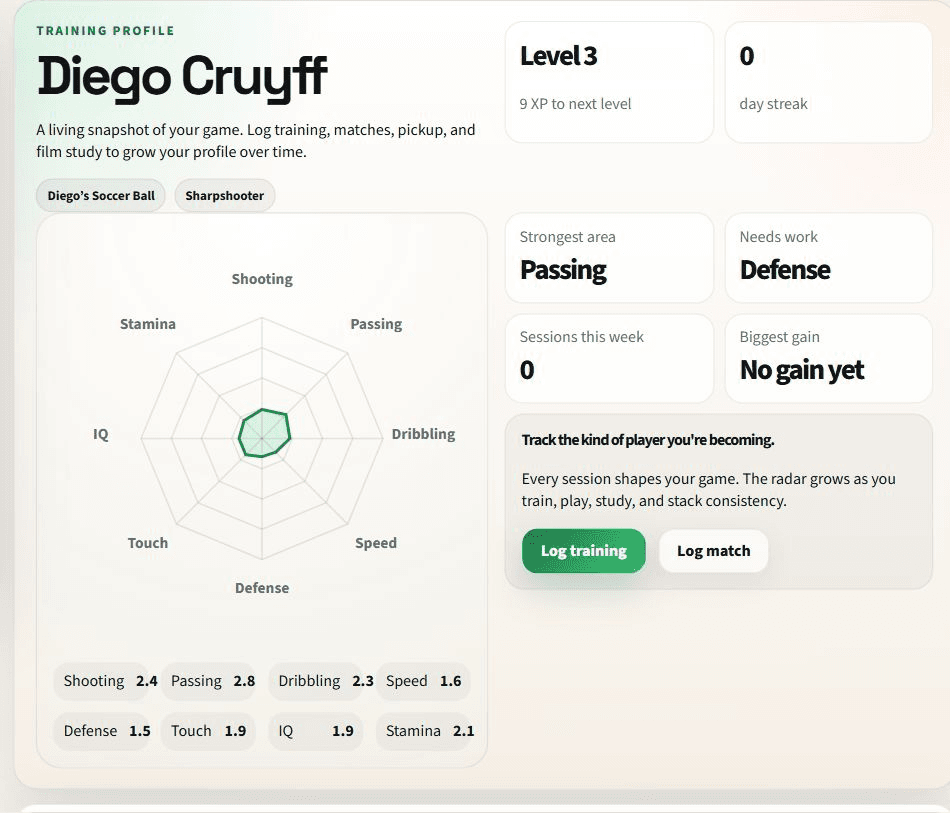
Write the entry while you still remember the game. Keep the date, playing time, position, result, and goal or assist counts together. A season total is easier to understand when you can go back to the individual matches that produced it.
Use the same counting approach across your entries. If you are unsure about a statistic, check your notes or ask the coach instead of turning a guess into a precise-looking number. A personal journal is a record of reported activity, not an official competition statistics feed.
| Record | Example | What it adds |
|---|---|---|
| Playing context | 40 minutes in midfield | Makes the numbers easier to interpret. |
| Goal contribution | 0 goals, 1 assist | Records an outcome without making it the whole assessment. |
| Observation | Looked over my shoulder before receiving | Captures a specific habit to discuss. |
| Next focus | Repeat that check when under pressure | Connects the match to the next practice. |
The match form includes minutes played, position, result, a self rating, goals, assists, chances created, tackles, interceptions, and a clean-sheet option. These are entries you make. They are not measurements produced by the QR tag.
Start from your player profile, choose the match activity, and review the values before saving. Use the surrounding journal and reflection workflow to keep an observation with the session. Progress views summarize the recorded work, so accurate entries matter more than making a chart look impressive.
A goalless match can still give you something specific to review: making space for a teammate, recovering after losing possession, or communicating earlier. Choose an observation about the role you actually played rather than judging every position by goals scored.
Playing time and context also change. Comparing one substitute appearance with a full match through goal totals alone leaves out information. Use the journal to ask a better question of your coach, such as whether a repeated movement is creating useful opportunities.
Describe a situation you remember clearly rather than writing a general judgment such as ‘good game.’
If your team uses SoccQR coach assignments and check-ins, connect your reflection to the assigned work. Otherwise, use the note to start a conversation with your coach.
After another practice or match, note whether you tried the adjustment and what happened. Look for a useful pattern across entries rather than one flattering number.
A search for soccer tracking can also mean video analysis, automatic player-and-ball detection, shot-speed measurement, or a live match feed. Those jobs need tools designed to collect that data. SoccQR's journal does not analyze video, detect a ball crossing a goal line, or calculate the ball's speed.
Its return tag has a separate purpose: a finder opens the ball's configured contact page. They do not see the authenticated player journal. You can use the return tag even if you never log a match, and use a journal to reflect without pretending the ball measured the session.
No. Players enter goals and other match details. SoccQR does not use a ball sensor, camera feed, or referee system to verify them.
No. It records the player's activities and reflections. It does not provide a live league scoreboard or automatically import official match statistics.
They can use the same habit of recording context and a role-specific observation. Goal totals alone do not describe every role, so choose reflections that help the next coaching conversation.
Explore the optional player journal, or start with the tag that makes your ball easier to return.
U.S. shipping included. Activation included. No monthly fee. Tags only; ball not included.