Loading your guide…

Player development
SoccQR helps return a tagged ball and includes an optional journal for practices, matches, and training. Its QR tag does not automatically record touches, speed, distance, or shot power.
| Your question | The tool to look for | SoccQR's role |
|---|---|---|
| Who can return my ball? | An identification and return-contact system. | A QR tag opens your ball's finder page. |
| Where is my ball right now? | Suitable location hardware and its supported network. | No live tracking. A finder may voluntarily share a location. |
| What did I practice this week? | A training journal with dates, activities, and reflections. | Players can log sessions and review their history. |
| How fast was that shot? | A validated sensor or measurement system for that task. | The QR tag does not measure shots or movement. |
A useful training journal answers a few ordinary questions: What did I work on? How long did I spend? What felt better? What needs another session? You do not need a sensor in the ball to record those observations.
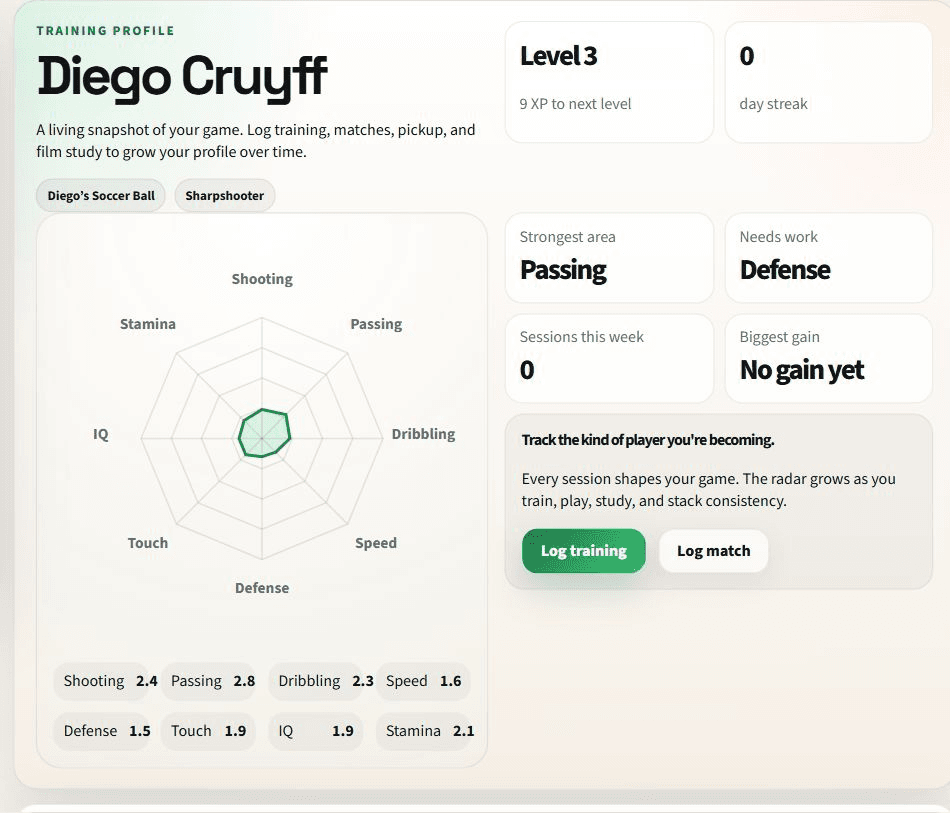
SoccQR lets players log practices, matches, and training activities. Reviewing dated entries can help a player notice whether the week was balanced or whether a skill has been neglected. Progress views summarize those records; their usefulness depends on what the player enters.
In SoccQR's coach workflow, an assignment can lead to a logged session and a short player check-in. The coach can respond to that check-in, keeping the feedback connected to the work being discussed.
A reflection such as ‘I kept looking down before receiving’ creates a more focused conversation than a total-minute count alone. Use logs to support observation and feedback. A streak, score, or chart is not a substitute for watching the player perform.
Pick one task with your coach, such as receiving on the back foot. Keep it appropriate to the player and the available space.
Record the session after completing it. Add duration and one useful observation instead of inflating a score or chasing a streak.
Compare the week's entries and coach feedback. Decide what to repeat or change in the next session.
The return tag works independently of the journal. A finder scanning your ball reaches its public return page, not your private training history. They can use the owner's selected contact options without logging a session or joining a team.
That is SoccQR's practical combination: an editable return contact on the equipment, with an optional place to keep the player's soccer history. Use the part that solves your immediate problem.
SoccQR is a QR tag you apply to a ball you already own. It does not turn the ball into an electronic sensor or automatically measure performance.
The public tag page shows the ball information and contact choices configured for the finder. It is separate from the authenticated player journal and coach workspace.
No. Player journaling is optional. Activate the tag and maintain its return details even if you never log a practice or match.
Explore the optional player journal, or start with the tag that makes your ball easier to return.
U.S. shipping included. Activation included. No monthly fee. Tags only; ball not included.