Loading your guide…

Labels & setup
Yes, you can make your own soccer ball QR code. Link it to a contact page you can maintain, print it on material suitable for the ball, and test the whole return process on another phone before relying on it.
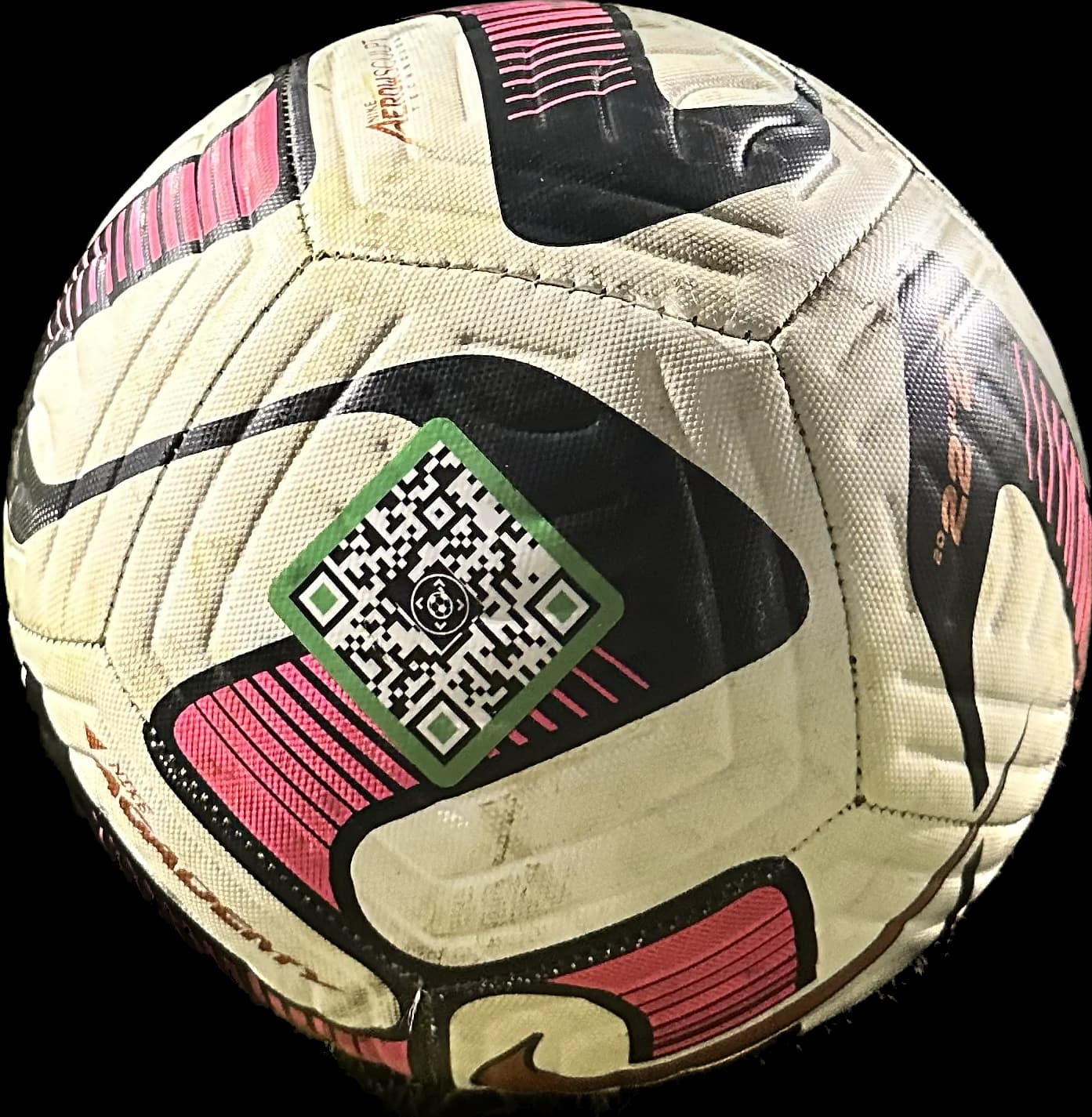
The pattern is only a way to open information. Start with a page that tells a stranger what they found and what to do next: a ball description, a short finder message, and an adult's chosen contact route.
Make sure the page is available while signed out. A private document, expired sharing link, or account-only page is a poor destination for someone standing beside a field. Avoid putting a home address, child’s schedule, or unnecessary personal information on the page.
Use the stable address of your contact page. If a generator offers a redirect service, check who controls that address and whether it stops working when a trial or plan ends.
Create a QR code for the page URL. Keep the pattern clear with a contrasting background and an unobstructed margin. Do not place artwork over the code just to make it look branded.
Scan the actual print at the size you intend to use. Test on the curved surface and on another phone; a code that works on a large laptop screen may not read well when printed small.
Follow the material supplier's surface and application instructions. A paper mockup can test the link, but it does not establish durability through wet grass, cleaning, and repeated play.
Decide who will keep the destination available and update the contact details. The same printed code can open new information when you maintain the page at the same address. If that address disappears, the label may still scan perfectly while leading nowhere useful.
Check the tag after use and revisit the public page when phone numbers or team responsibilities change. For several balls, use separate identifiers or pages if you want a finder to distinguish them. Copying one code across the whole ball bag makes every scan lead to the same destination.
A DIY label can be useful when you are comfortable maintaining the whole system. SoccQR brings the physical tag, editable return page, and found-alert flow together. Both depend on a readable label and someone willing to help; neither turns a printed code into GPS.
| Decision | DIY approach | SoccQR approach |
|---|---|---|
| Physical label | Choose and test your own material and print. | Flexible tag designed for a soccer-ball panel. |
| Return information | Maintain your page and public contact route. | Edit ball details and selected contact options in your account. |
| Finder reporting | Build or arrange any reporting feature you want. | Found-alert option with optional note and location. |
| Cost | Check printing, hosting, and generator terms. | Pack purchase includes activation; no monthly fee. |
Yes. A readable, current contact number can give a finder a useful next step without scanning. A maintained QR page makes it possible to change the information without rewriting the physical label.
It may create the pattern, but you still need a usable destination, suitable material, and ongoing contact-page maintenance. Read the generator's terms before depending on a hosted redirect.
A copied code opens the original tag's page. It does not create a separate tag or transfer ownership. Use your own link for DIY, or activate a distinct SoccQR tag for each ball.
A flexible tag. An editable return page. A clear next step for the person who finds your ball.
U.S. shipping included. Activation included. No monthly fee. Tags only; ball not included.