Loading your guide…

Lost & found
Start with the last field, the coach, and the team chat. Share a specific description and an adult's contact route. If the ball already has a SoccQR tag, mark it missing and check its return page and found reports.
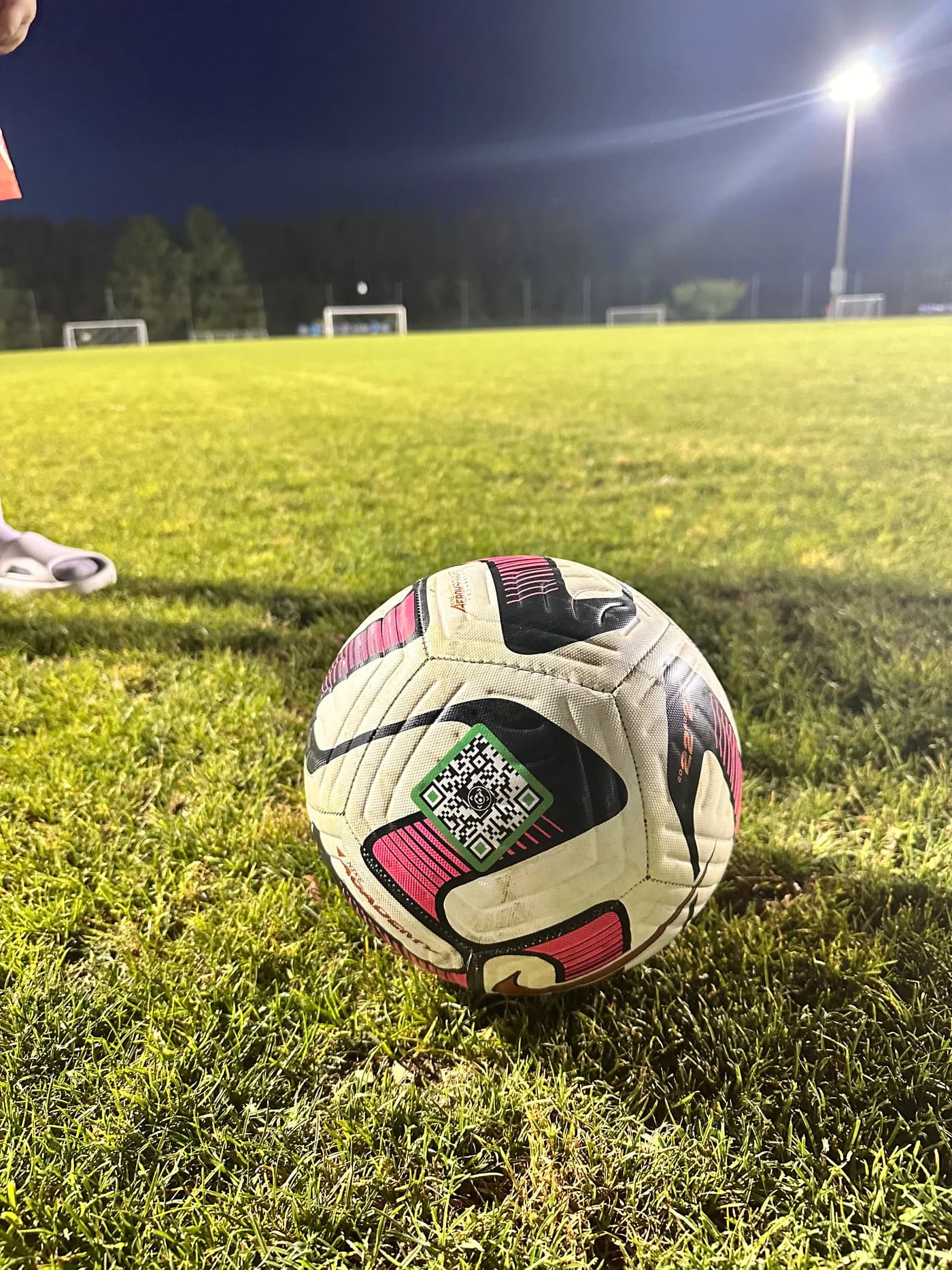
Look around the last goal, touchlines, benches, equipment area, and the route to the car. Ask a parent or venue staff member to help with areas that are closed or hard to reach.
Contact the coach and families at that session. Ask whether a similar ball went home in a team bag or carpool. Include the field and approximate time.
Give staff the brand, size, colors, markings, and a photo if you have one. Ask where found equipment is kept and how to check back.
Use an adult's preferred contact route. In a public post, keep home addresses, children's schedules, and private account details out of the description.
Open your tag in your account and set its status to Reported missing. Check the ball photo, finder message, and contact choices. Make sure the person receiving those messages is available to respond.
A finder can contact you directly or send a found alert through SoccQR. A note and location are optional; a found alert may arrive without either. Read the report for the information actually provided, then coordinate the return through an available contact route.
After recovering the ball, switch the tag back to Active. Keep the contact details current so the same tag is ready if there is another mix-up.
A recorded page visit does not prove that someone physically found your ball. A tag URL can also be opened from a link. Likewise, tapping a contact button does not confirm a conversation or a return.
A finder can choose to share their phone's current location with a found report. SoccQR does not continuously track the ball. If your ball was never tagged, buying a tag now cannot locate it retroactively.
Look for a name, contact number, or QR return tag. For a SoccQR tag, use your phone camera to open the page and follow the owner's contact instructions. You can send a found alert without creating an account or sharing your location.
If there is no useful label, hand the ball to the coach or venue's lost and found and say where it was picked up. If you post in a team group, ask the owner to describe a distinguishing detail. Agree on a practical handoff with an adult or venue staff.
Take a photo of your ball, add a readable label with a contact path, and check that your own ball is in the bag before leaving. A consistent routine helps even when every player uses the same model.
SoccQR makes the contact path editable: a finder can see your ball details and chosen contact options after a scan. Pair it with visible initials or a ball number if those help your team recognize equipment at a glance.
Your phone can help you contact the team or venue, check an existing electronic locator, or read reports from an already-activated SoccQR tag. A phone alone cannot locate an ordinary untagged ball.
A general ball photo does not establish who owns it. Look for a readable return tag or contact label. A SoccQR code opens the return page associated with that tag.
SoccQR is a return aid, not an anti-theft device. It cannot prevent removal of the tag or force someone to return equipment. Contact the venue about suspected theft and avoid confronting someone based only on a scan event.
A flexible tag. An editable return page. A clear next step for the person who finds your ball.
U.S. shipping included. Activation included. No monthly fee. Tags only; ball not included.